
How to Use Binance Smart Chain (BSC) on a Decentralized Exchange: A Step-by-Step Guide

Binance Smart Chain (BSC), now officially known as BNB Chain, is one of the most popular blockchain networks for decentralized finance (DeFi) and crypto trading. If you have assets on this chain, you need a compatible exchange to swap, trade, or stake them. But the question many newcomers ask is: "What exchange do I use for Binance Smart Chain, and how do I actually use it?" This guide breaks down the essentials.
First, it is critical to understand that the Binance.com centralized exchange is different from using a decentralized exchange (DEX) on the Binance Smart Chain. While Binance.com supports deposits and withdrawals to BSC, to trade directly on the chain itself, you will use a DEX. The most well-known DEX on BSC is PancakeSwap, but there are others like Biswap, ApeSwap, and MDEX.
To start using a BSC exchange, you need two things: a compatible wallet and BNB for gas fees. The most commonly used wallet is MetaMask, but you must add the Binance Smart Chain network to it. To do this, open MetaMask, click the network dropdown, and select "Add Network." Enter the following details: Network Name: BNB Smart Chain; RPC URL: https://bsc-dataseed.binance.org/; Chain ID: 56; Symbol: BNB; Explorer URL: https://bscscan.com. Once saved, you are connected to BSC.
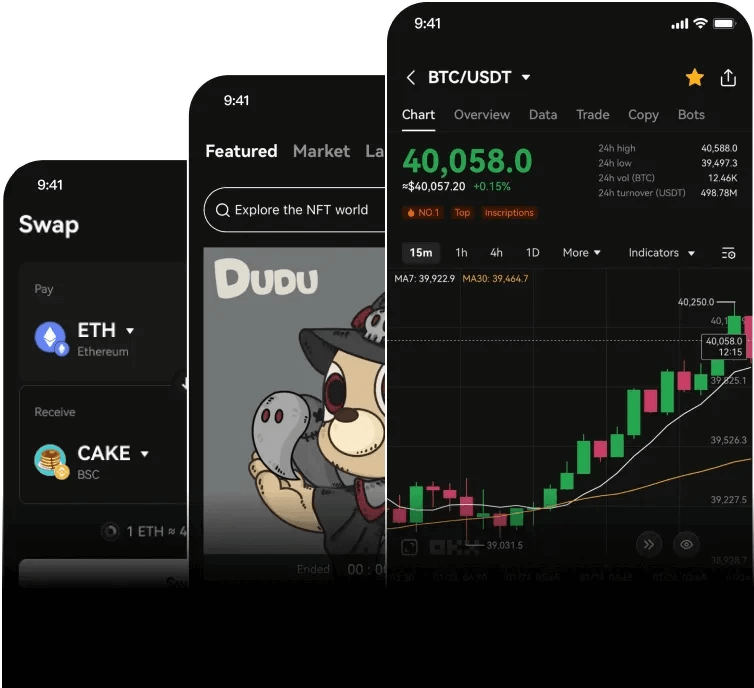
Next, fund your wallet with BNB. You can buy BNB directly on Binance.com and withdraw it to your MetaMask wallet address (making sure you select the BSC network for the withdrawal). This BNB will be used to pay transaction fees. To start trading, visit a DEX like PancakeSwap. On the website, click "Connect Wallet" and choose MetaMask. Once connected, you will see a simple swap interface. Select the token you want to sell in the "From" box, and the token you want to buy in the "To" box. Enter the amount and click "Swap." Your MetaMask will prompt you to confirm the transaction and pay a small BNB fee. After confirmation, your tokens will appear in your wallet.
Beyond swapping, these exchanges also offer features like liquidity pools and yield farming. For example, on PancakeSwap, you can provide liquidity for a trading pair (e.g., BNB-USDT) to earn trading fees. To use this, navigate to the "Liquidity" tab, select "Add Liquidity," and input the amounts of both tokens. Approve each token spending and then confirm the transaction. In return, you receive LP tokens representing your share of the pool.
A vital safety tip: always double-check the token contract address. BSC is full of scam tokens that imitate popular projects. Use BscScan to verify the token's legitimacy before trading. Also, never share your private key or seed phrase, as no DEX will ever ask for it. By following these steps—connecting to BSC via MetaMask, acquiring BNB for gas, and using a DEX like PancakeSwap—you can fully participate in the Binance Smart Chain ecosystem for trading and DeFi.

发表评论